

Your first image-tracking app
The quickest way to see NFT tracking working is to run the ARnft examples: they include a marker, the camera calibration file and a Three.js scene.
1. Get the code
Section titled “1. Get the code”git clone https://github.com/webarkit/ARnft.gitcd ARnftnpm install2. Serve it
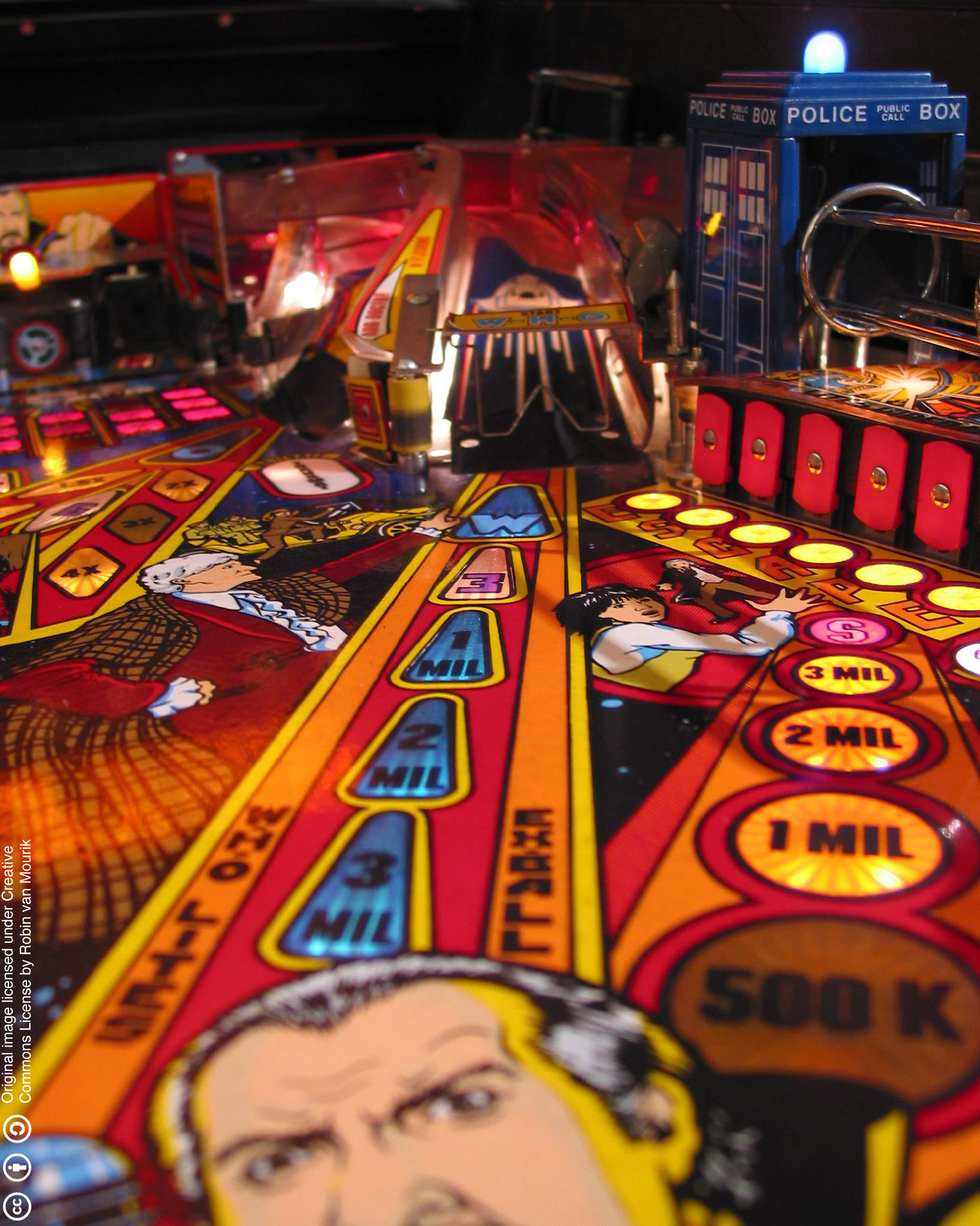
Section titled “2. Serve it”npx http-server -c-1-c-1 disables caching, so the browser always loads the latest dist/ and config.json. Open http://localhost:8080/examples/arNFT_example.html, allow the camera, and point it at the Pinball image (print it or show it on another screen). A red cube appears on the image.
3. Try it on your phone
Section titled “3. Try it on your phone”Browsers only allow the camera on HTTPS or localhost. Create a self-signed certificate once and serve with it:
openssl req -x509 -newkey rsa:2048 -nodes -keyout key.pem -out cert.pem -days 365 -subj "/CN=localhost"npx http-server -c-1 -S -C cert.pem -K key.pemOpen the https:// address printed for your computer (for example https://192.168.1.10:8080/examples/arNFT_example.html) on the phone and accept the certificate warning.
What the example does
Section titled “What the example does”import * as THREE from 'three';import arnft from 'arnft';import ARnftThreejs from 'arnft-threejs';
const { ARnft } = arnft;const { SceneRendererTJS, NFTaddTJS } = ARnftThreejs;
const width = 640;const height = 480;
// marker paths (without extension), marker names, config file, enable statsARnft.init(width, height, [['examples/DataNFT/pinball']], [['pinball']], 'config.json', true) .then((nft) => { const cube = new THREE.Mesh( new THREE.BoxGeometry(1, 1, 1), new THREE.MeshLambertMaterial({ color: 0xff0000 }), ); cube.position.z = 90; cube.scale.set(180, 180, 180);
document.addEventListener('containerEvent', () => { const canvas = document.getElementById('canvas'); const config = { renderer: { alpha: true, antialias: true, precision: 'mediump' }, camera: { fov: (0.8 * 180) / Math.PI, ratio: width / height, near: 0.01, far: 1000 }, }; const scene = new SceneRendererTJS(config, canvas, nft.uuid, true); scene.initRenderer();
new NFTaddTJS(nft.uuid).add(cube, 'pinball', false);
const tick = () => { scene.draw(); requestAnimationFrame(tick); }; tick(); }); }) .catch(console.error);A marker is three files with the same name — pinball.iset, pinball.fset and pinball.fset3 — and you pass the path without the extension. Make your own with the NFT Marker Creator.